

SMS & MMS Text Messages
Registering for 10DLC: Required SMS Compliance for Campaigns
Everything you need to get approved for compliant political texting.
Before your campaign can begin texting voters through Vottiv, you’ll need to register your organization for 10DLC (10-Digit Long Code) texting, a requirement enforced by U.S. phone carriers.
This process helps ensure your campaign is verified, compliant, and protected from being flagged or blocked as spam.
Registration Fee
As part of the 10DLC registration process, there is a $200 one-time registration fee.
This fee is charged by the telecom carriers as part of 10DLC registration and is not a Vottiv-imposed fee. It is a pass-through cost from telecom carriers and the Campaign Registry, which require campaigns to register their organization before sending political SMS messages.
The registration fee covers:
Carrier compliance registration
Campaign verification through the Campaign Registry
Processing required by mobile carriers to approve political texting
Once your campaign is registered and approved, you’ll be able to send texts through Vottiv as normal. Standard per-message SMS charges will still apply when messages are sent.
What Is 10DLC?
10DLC is the system U.S. phone carriers use to verify that SMS traffic is coming from legitimate sources. For political campaigns, this means you must register your organization and campaign message content with the Campaign Registry before sending text messages.
Without registration, your messages are at risk of being delayed, blocked, or marked as spam — and could violate carrier policies.
How to Start the Registration Process
Go to the Text Messaging tab in your Vottiv dashboard
You’ll be prompted to begin registration — click Start Registration
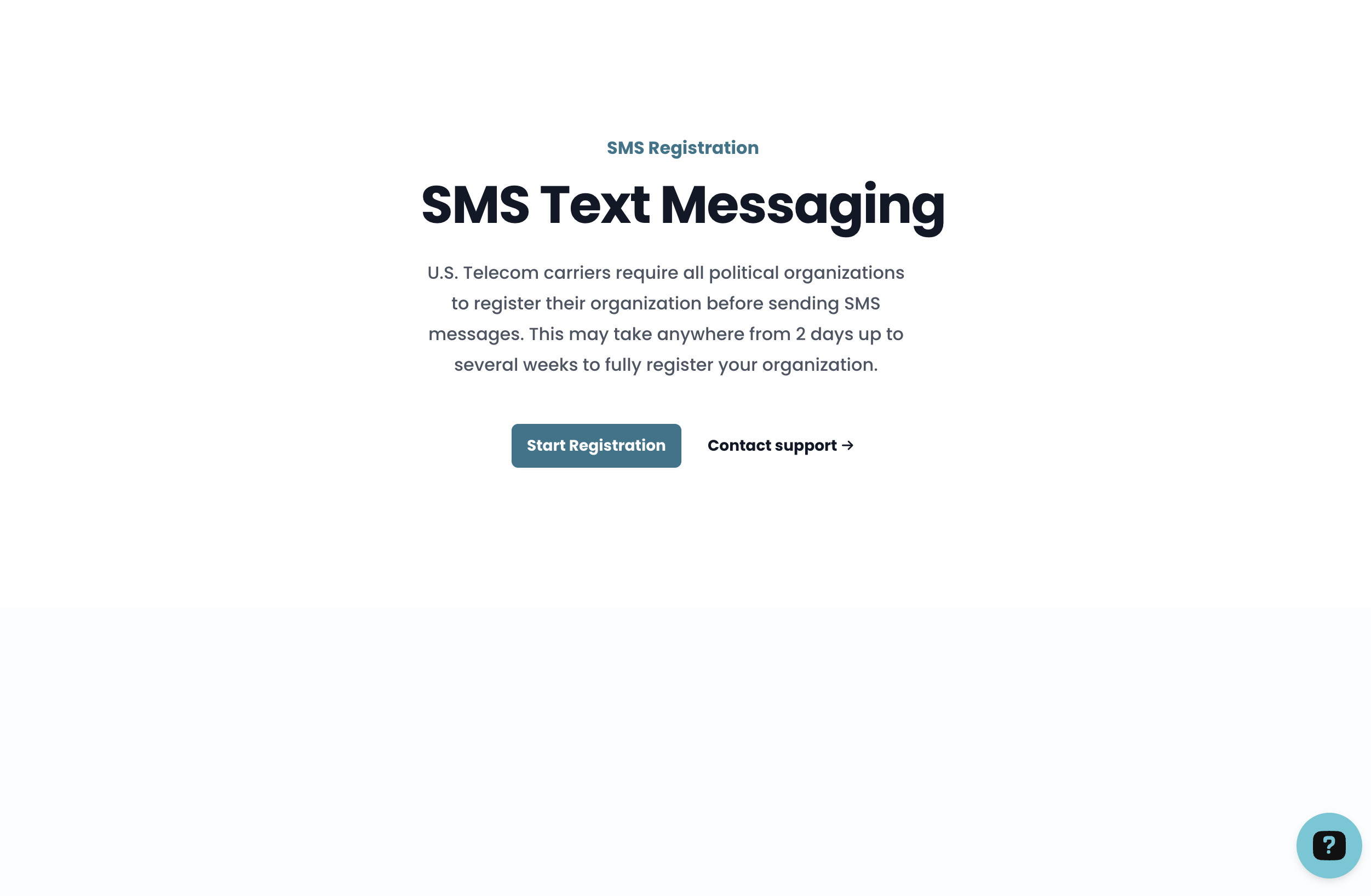
Starting 10DLC Registration: Prompt to Begin SMS Verification When Launching Texting Read and accept the processing notice:
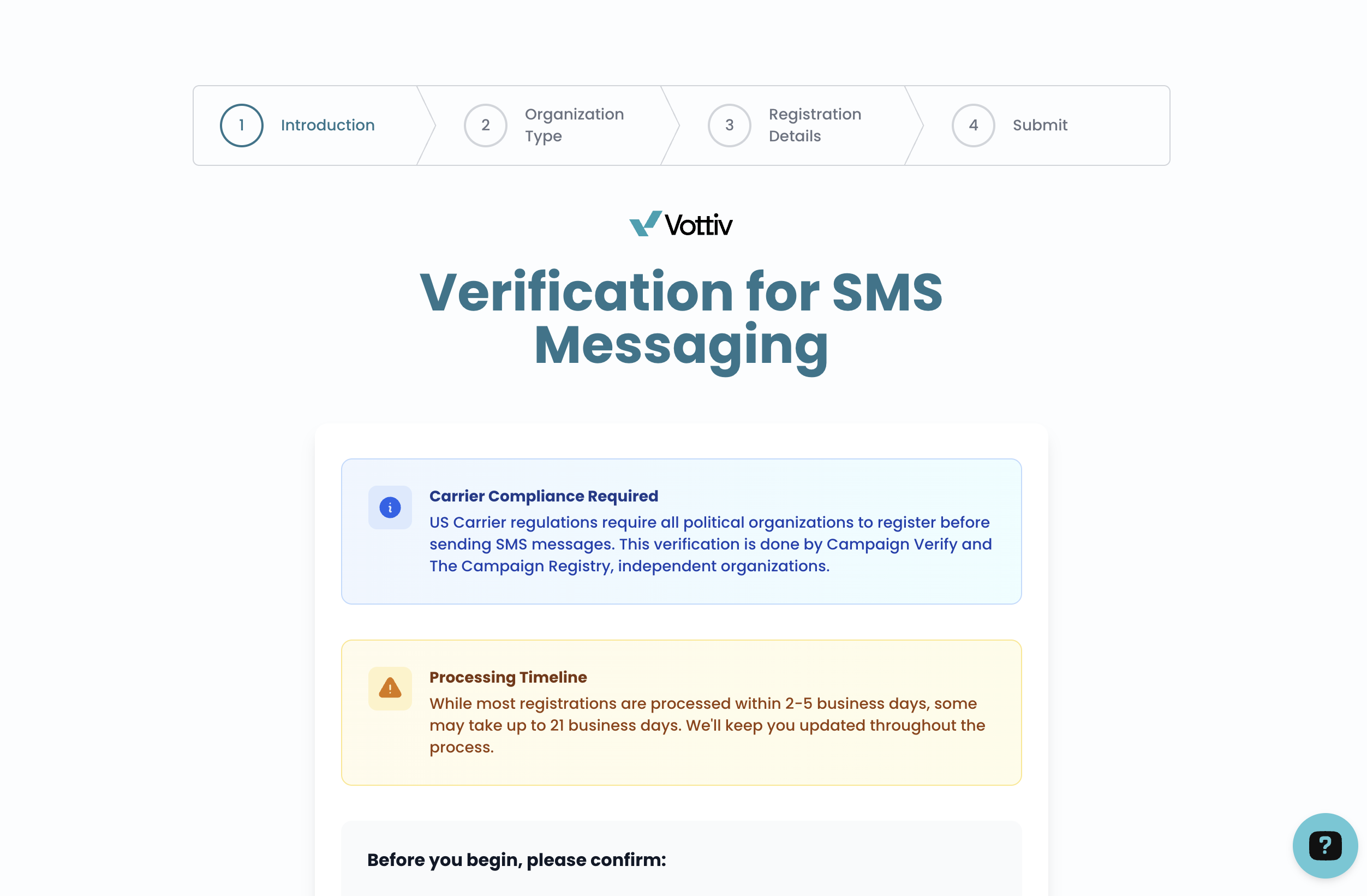
10DLC Processing Notice Explaining SMS Verification Timeline and Requirements “Verifying my account for political SMS usually takes only a few days, but may take up to 2–21 business days.”
Select whether your campaign is:
Federal
State or Local
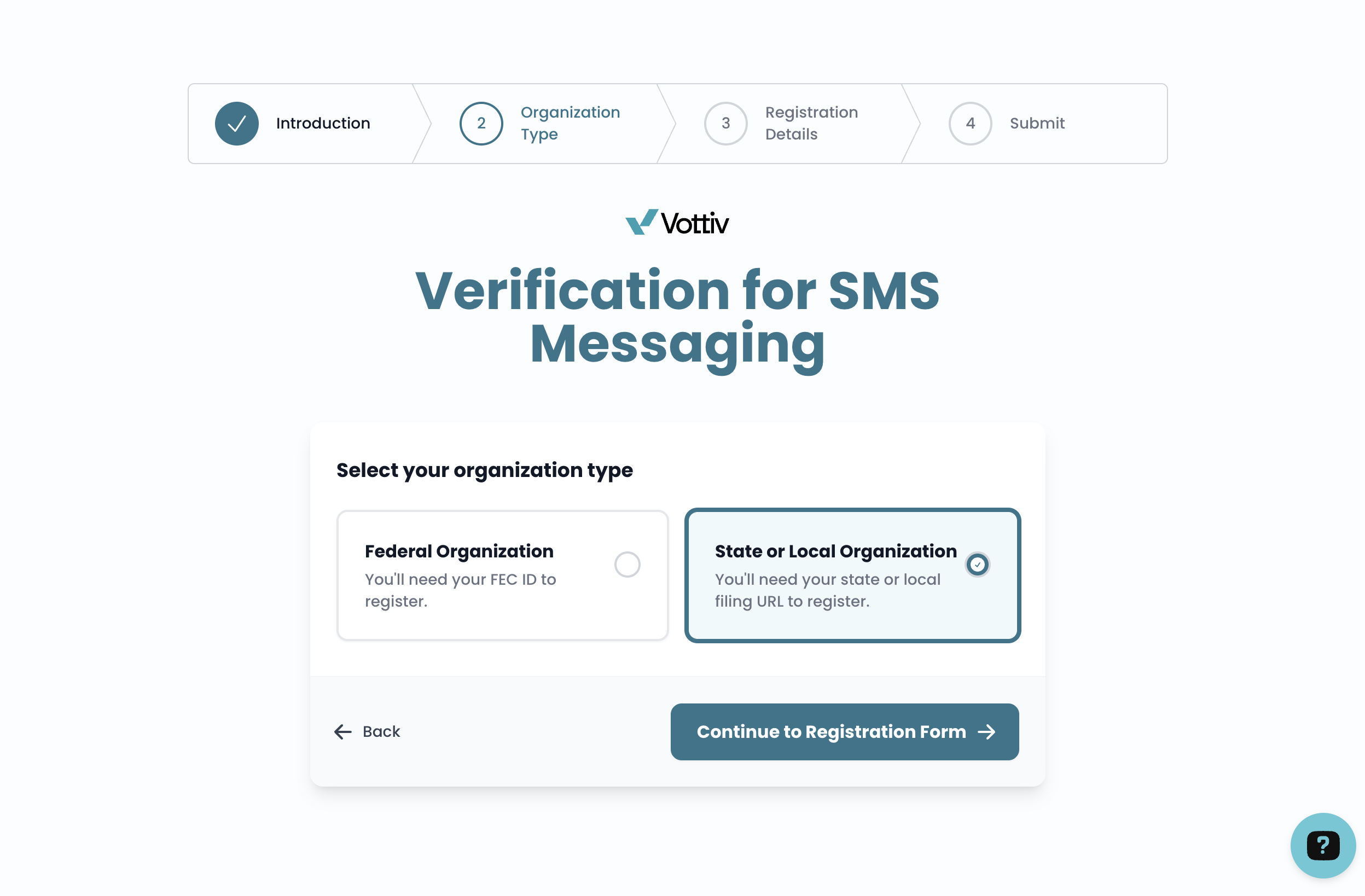
Vottiv will then guide you through the correct form based on your campaign level.
What You’ll Need to Complete Registration
Vottiv handles the submission process for you, but you’ll need to provide the following information:
✅ Required Info:
Campaign name & contact
EIN or FEC ID
Organization type (PAC, candidate committee, etc.)
Website URL
Description of your campaign’s SMS use
Federal campaigns: FEC committee URL
Federal campaigns must enter an FEC committee ID in C00000000 format and a filing record URL that points to the matching committee page on fec.gov, such as https://www.fec.gov/data/committee/C00000000/. Do not use the campaign’s own website, a social media page, or a general FEC search page for this field.
If you paste a committee URL with a lowercase ID or accidentally type the letter O instead of zero in the committee number, Vottiv will clean up the ID when it can. If the URL does not point to a matching FEC committee page, Vottiv will ask you to correct it before registration can be submitted.
📄 Campaign Filing Record
To verify your identity, a campaign filing document is necessary. We cannot accept filing information provided directly by the campaign. It must be verifiable through an official source. Please use one of the following methods:
Option 1: Published IRS Filing
If you have a published IRS filing that lists contact info, submit a State/Local verification request and enterhttps://forms.irs.gov/in the Filing Record URL field. We will locate the form using your EIN.Option 2: Direct from Election Authority
If your filing is not online, ask the election authority to email the document directly to [email protected] and CC [email protected]. Alternatively, provide us with an election authority contact person to verify. The filing must show the campaign name and an email, postal address, or phone number.Option 3: Active Status Confirmation
If no filing document exists, we can accept confirmation of active status and contact info directly from the election authority.
🌐 Website Requirements
To be approved, your campaign website must include:
Privacy Policy
Clearly state that your campaign does not sell user information
Link must be accessible in your footer
SMS Opt-In Language
All pages that collect phone numbers (e.g., Volunteer, Contact) must have a checkbox with:
Message frequency info
Consent language
Opt-out instructions (e.g., “Reply STOP to unsubscribe”)
Help language for more info
Example Disclaimer:
“By checking this box and providing your mobile number, you agree to receive SMS messages from the [your campaign] organization. Message frequency varies. Msg&Data rates may apply. Reply STOP to unsubscribe.”
After You Submit
Once you complete and submit the form to Vottiv:
We’ll handle submission to the official Campaign Registry
If approved, you’ll receive a six-digit verification code via email
Forward that code to us, and we’ll finalize your setup
✅ Once complete, you’ll be fully verified and ready to send unlimited compliant SMS messages with no carrier blocks or delays.
How Long Does It Take?
Most registrations are approved within 2–5 business days
In rare cases, approval can take up to 21 business days depending on carrier backlog
Need Help?
If you're unsure whether your website meets the requirements or need help updating your privacy policy or opt-in language, Vottiv’s support team is here to help. We’ve walked hundreds of campaigns through this process and can assist with copy, or compliance checks.
Was this article helpful?